
OneLLM Office
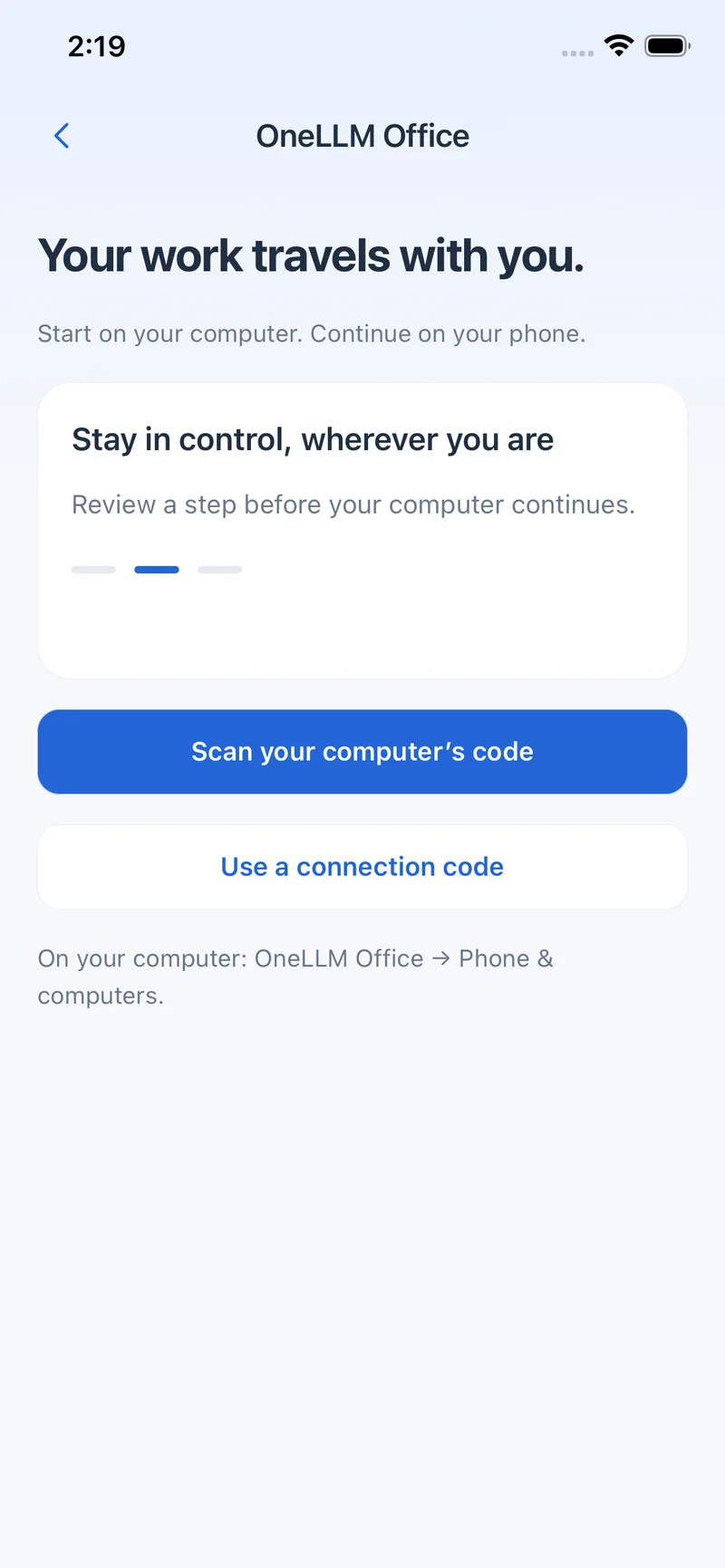
Continue tasks, choose AI, review approvals and collect finished files from your phone.
 OneLLMGet app ↗
ONELLM OFFICE + ONELLM MOBILE
Create reports, presentations and spreadsheets. Choose local or online AI, then keep working from your phone.
ONE WORKSPACE. YOUR CHOICE.
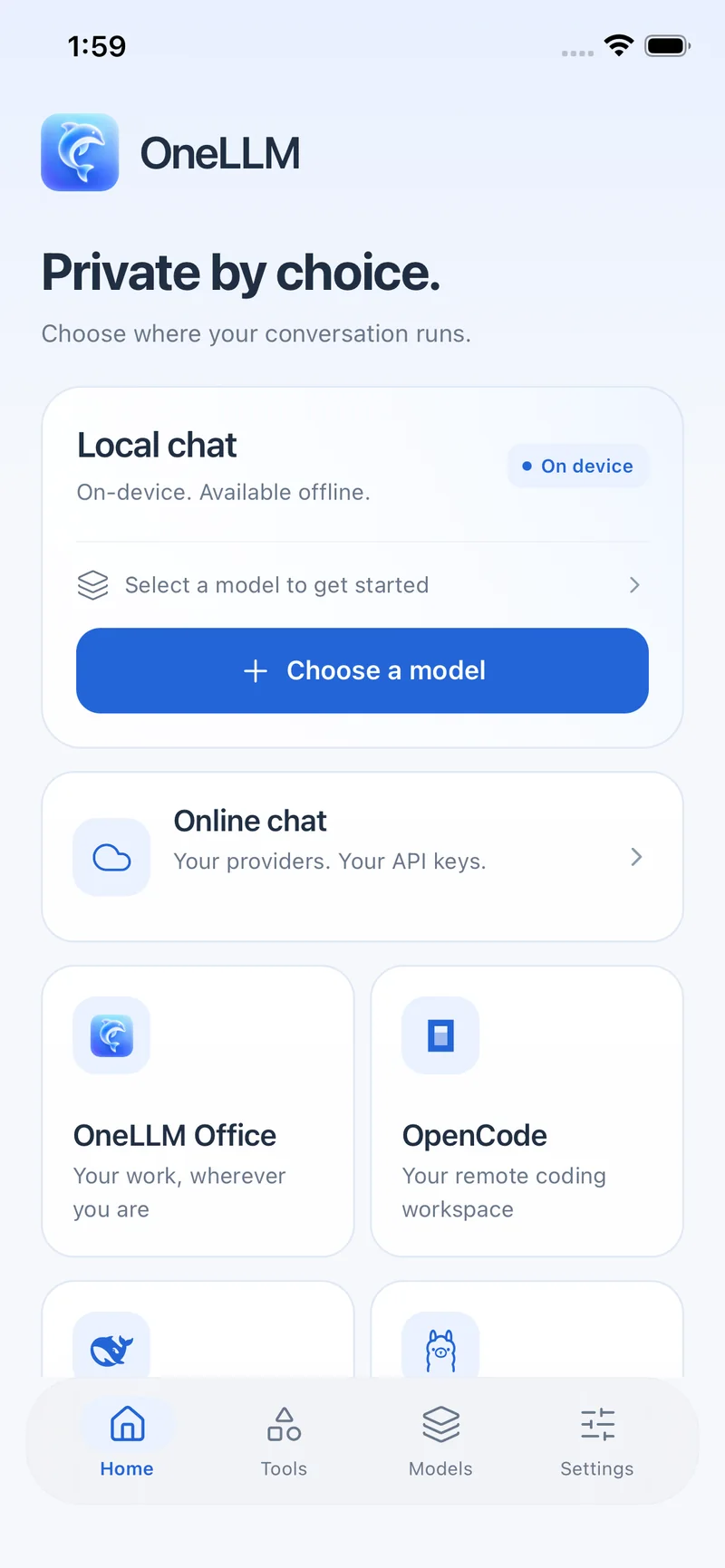
Keep a conversation local, choose your own cloud provider, or continue an agent running on your computer.
ONELLM OFFICE
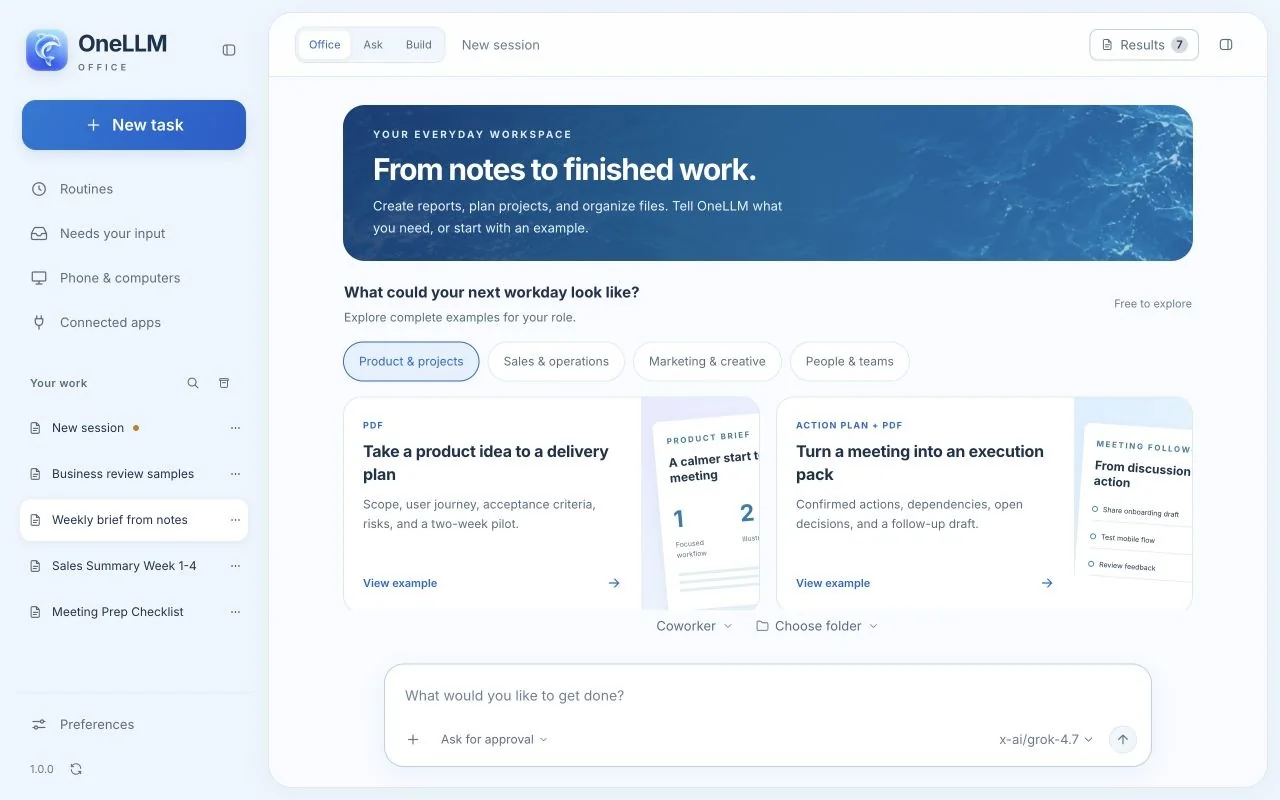
Explore the new OneLLM Office workspace. Clear plans, useful reports and polished first drafts, starting with a familiar task.
Explore OneLLM Office →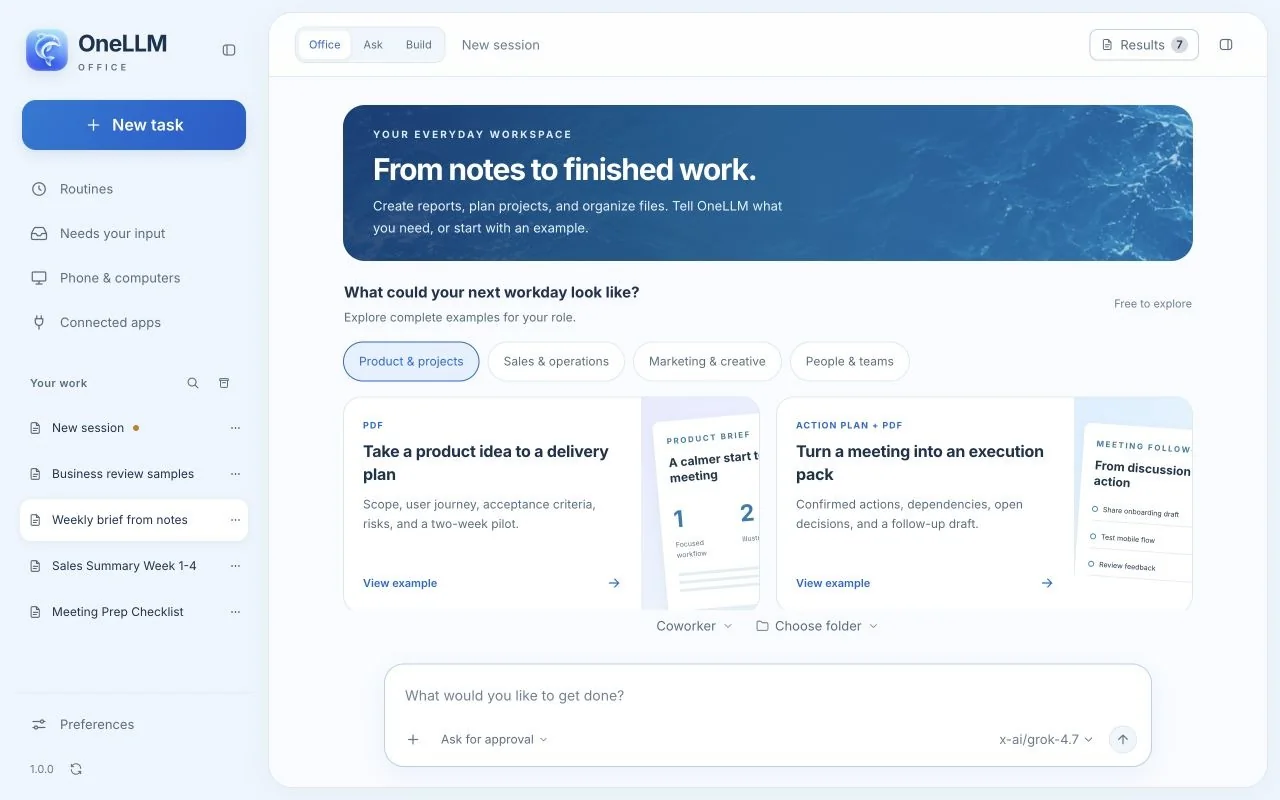
LOCAL AI
Run a supported 35-billion-parameter model on your device with expert streaming. Download once, then chat offline.
The optional 35B MoE package has about 3B active parameters and requires about 16.6 GB of storage. 12 GB RAM is recommended. Performance varies by device and model.
Explore local AI ↗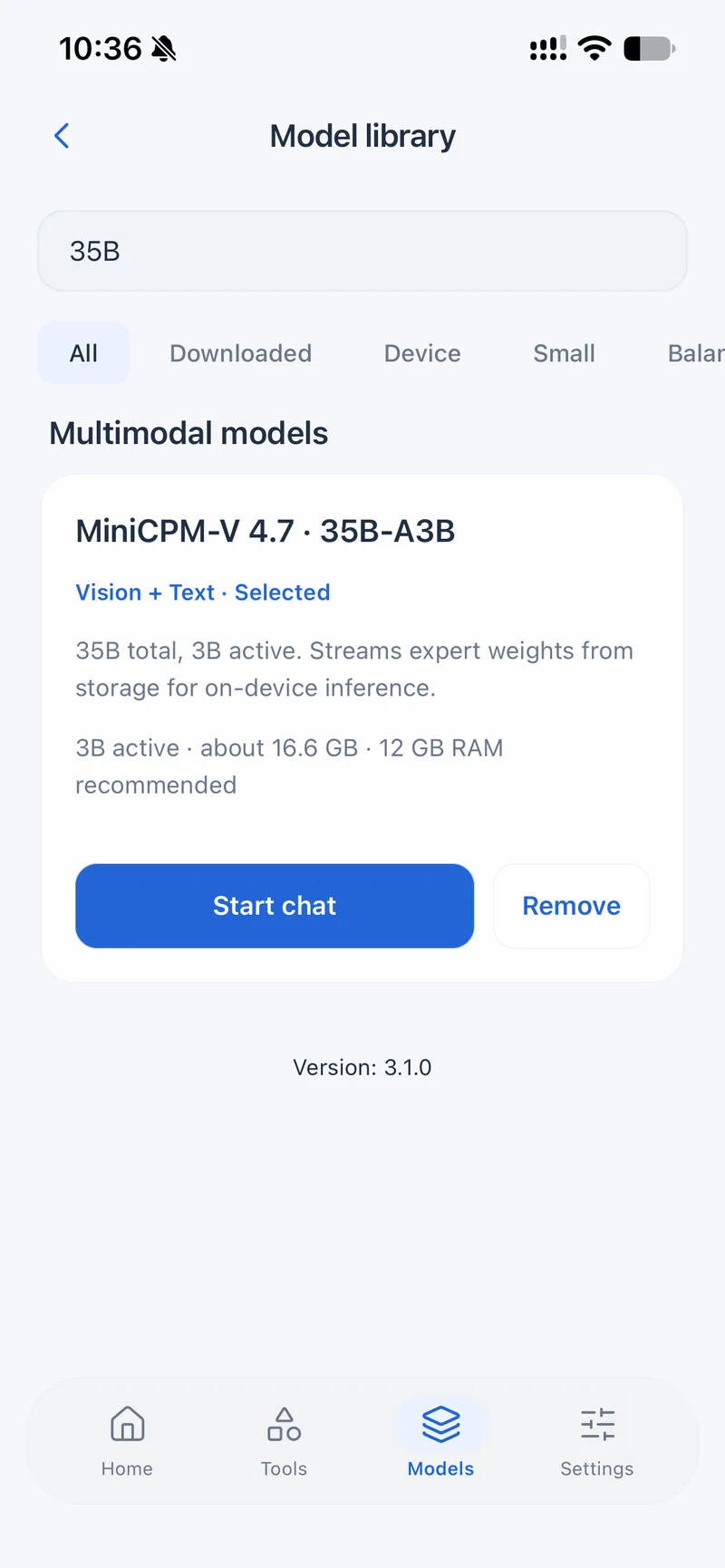
YOUR COMPUTER. WITH YOU.
Start in OneLLM Office. Continue from OneLLM on iPhone or iPad. Connect to OpenCode and DS Harness, too.
Continue tasks, choose AI, review approvals and collect finished files from your phone.

Continue sessions, choose models, browse files, review changes and respond to your agent.
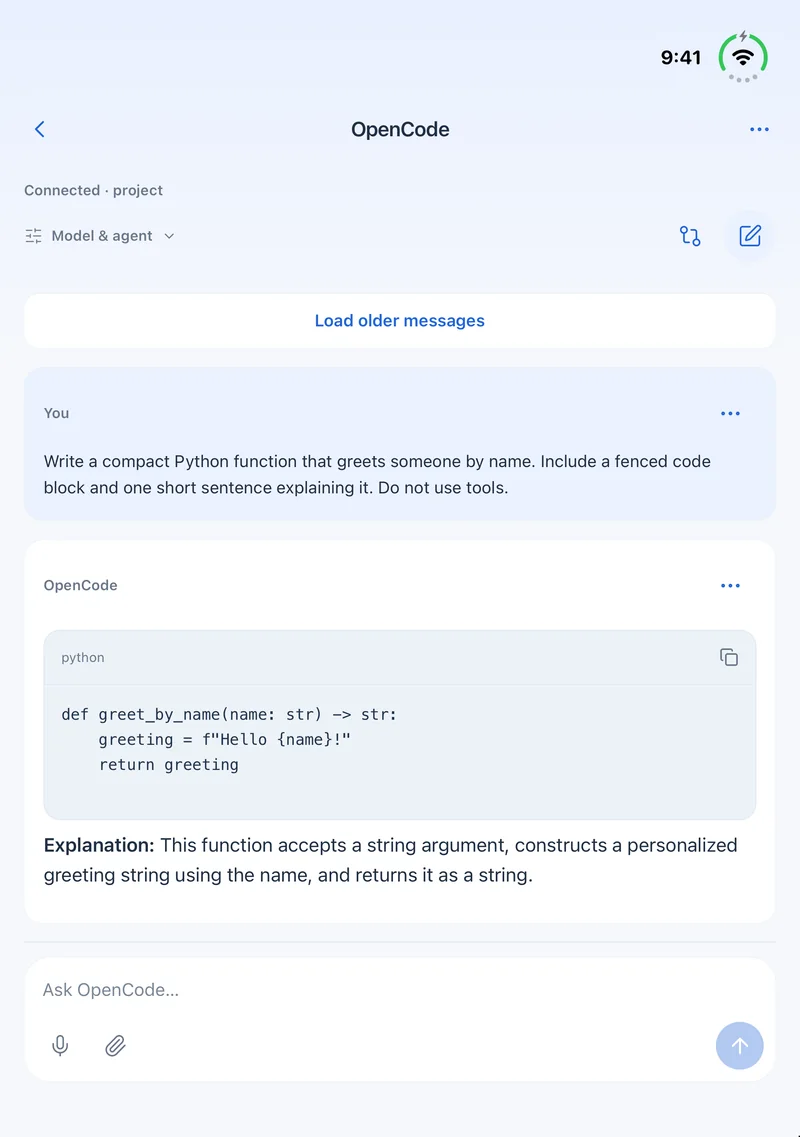

Bring conversations, workspaces, photos, files and agent controls into a compact mobile view.
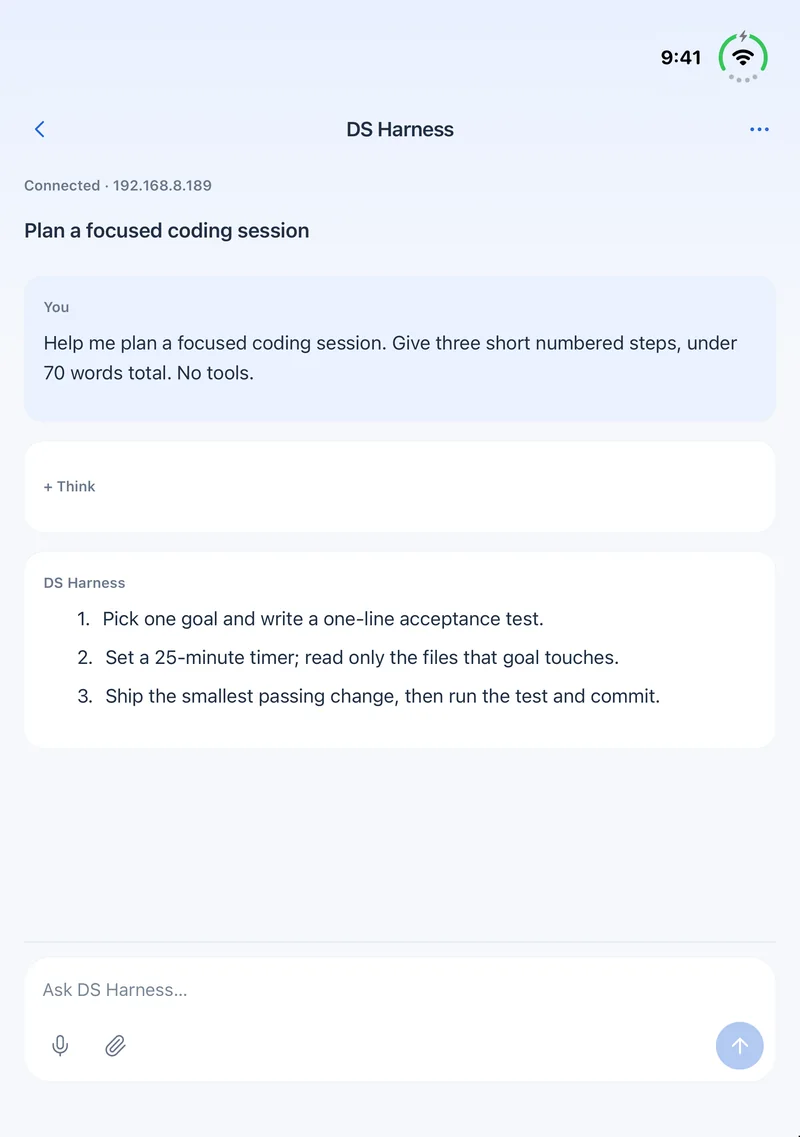
LESS FRICTION. MORE FLOW.
Images appear right in chat. Preview an attachment before sending it, or remove it with a tap.
English voice input with offline transcription. Speak, check your words and send.
Use local AI for private work, or choose from leading online models. Your task stays in one workspace.
Download a supported model in OneLLM while online, then choose that local model to chat without an internet connection. Online models and computer connections still need a network.
Open the model library, download a model that fits your device, and select it before starting a chat. Try a short message in airplane mode to check your setup.
Start with a smaller model and check available storage and memory. The optional 35B MoE package needs about 16.6 GB of storage; 12 GB RAM is recommended. Speed varies by model and device.
Yes. OneLLM can connect to OpenCode running on your computer. This is a separate connection: the computer must remain on and reachable.
PRIVATE BY CHOICE