Work on your Mac.
Use compatible local AI for writing, planning and document work. Local AI processing stays on your computer.
 OneLLMGet app ↗
ONELLM OFFICE · MEET YOUR WORKER
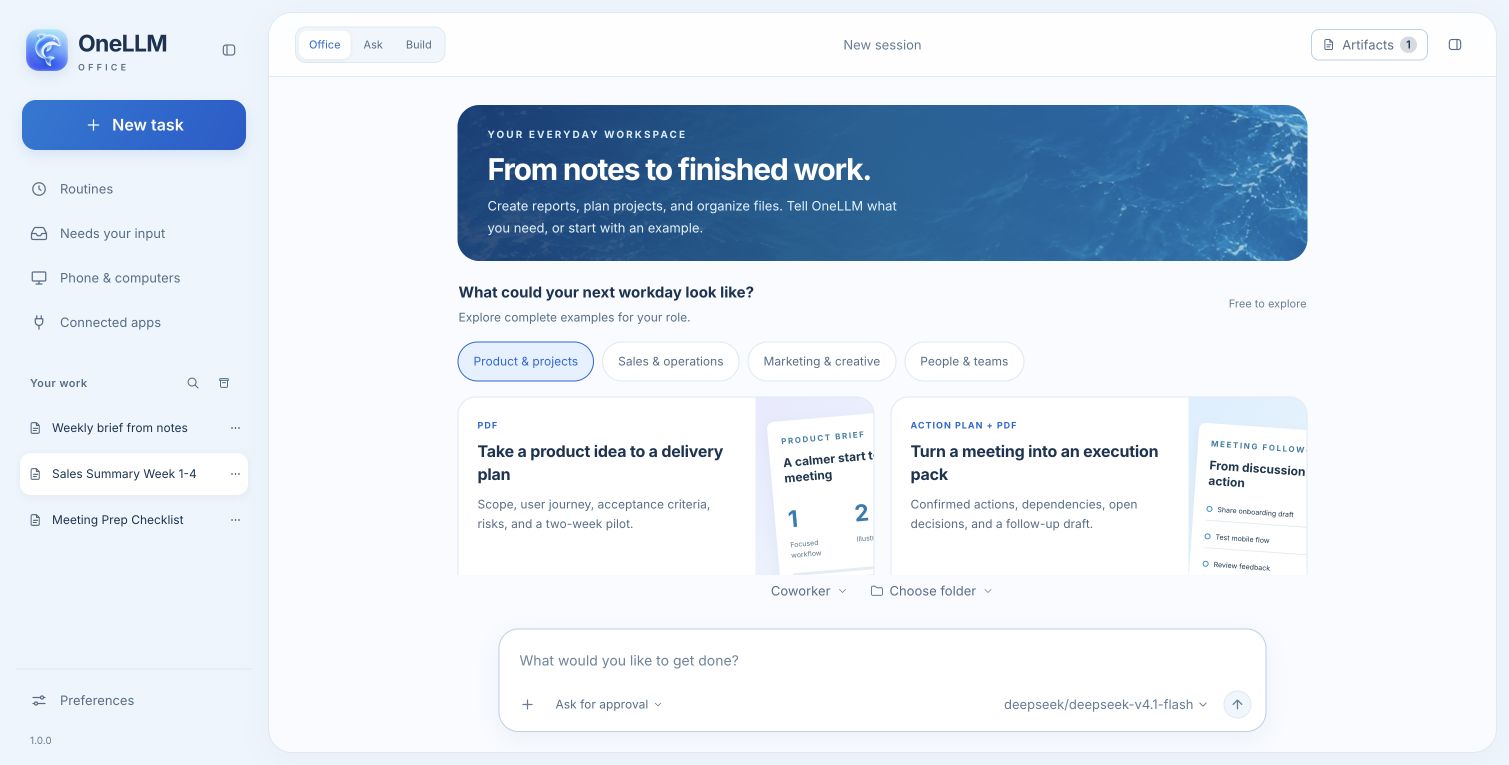
Ask for a report, a spreadsheet, a presentation, or a plan. OneLLM helps turn the task into files you can review and use.
Desktop edition in development. This page is a product preview.
MADE FOR EVERYDAY WORK
Start in plain language. See how the work is taking shape. Keep files you can open, edit, and share.
Use compatible local AI for writing, planning and document work. Local AI processing stays on your computer.
Your chat history is saved on your Mac. You choose whether to use online AI or connected services.
Build PDF reports, editable workbooks, presentations and Markdown documents from your brief.
Follow task progress, check the result, and respond when an action needs your approval.
“Turn these notes into a project brief.”
Plan the steps, use tools, and prepare the files.
Review your report, refine the draft, and choose what to share.
START WITH YOUR WORK
Choose a familiar task. Open a complete example and see the kind of result you can work toward.
A product brief with scope, success criteria, risks and a two-week pilot.
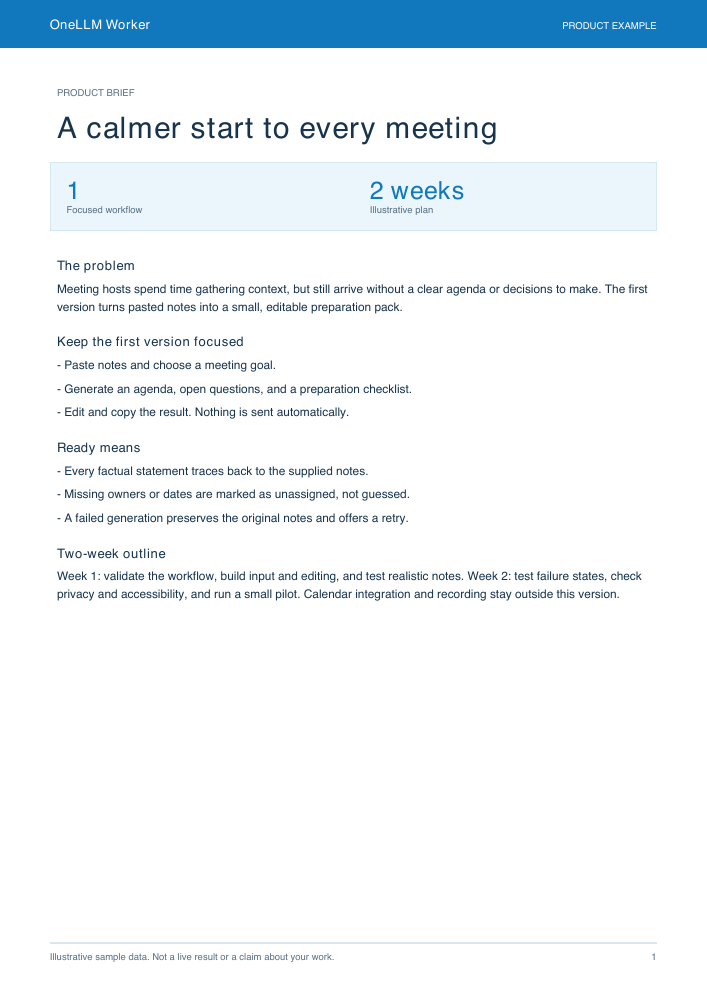
Turn these meeting notes into a clear product brief. Separate confirmed requirements from open questions, and propose a small pilot with measurable acceptance criteria.
A sales snapshot that turns a table of figures into a readable management update.
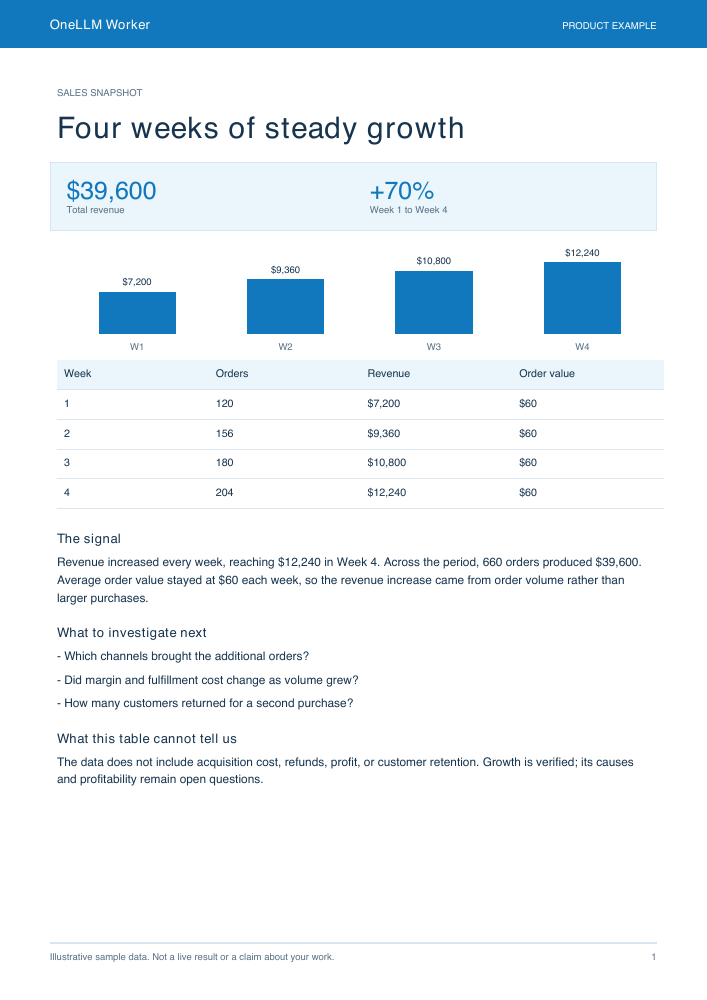
Review the sales data, compare periods, flag the most useful changes, and draft a concise summary. Keep source facts separate from recommendations.
Go from a campaign idea or a new joiner’s first week to a practical, reviewable plan.
Build a focused campaign plan from this brief. Include audience, messages, deliverables, checkpoints and the decisions that still need my input.
These are fixed, illustrative examples with sample data. They are free to explore, do not access your files, and do not run a paid model. Your results depend on your instructions and chosen model.
A CALMER WAY TO GET STARTED
Write what you need. Add the files you choose. Review the result and decide what happens next.
No workflow to build first. Begin in plain language, or explore an example for your role.
Choose the folders to share with a task and review actions when approval is requested.
Use a compatible model on your computer, or choose an online model when the managed service is available.
Online tasks send the content needed for the request to the model service. Local tasks run on your computer. Downloads and remote connections need a network.
PHONE + COMPUTER
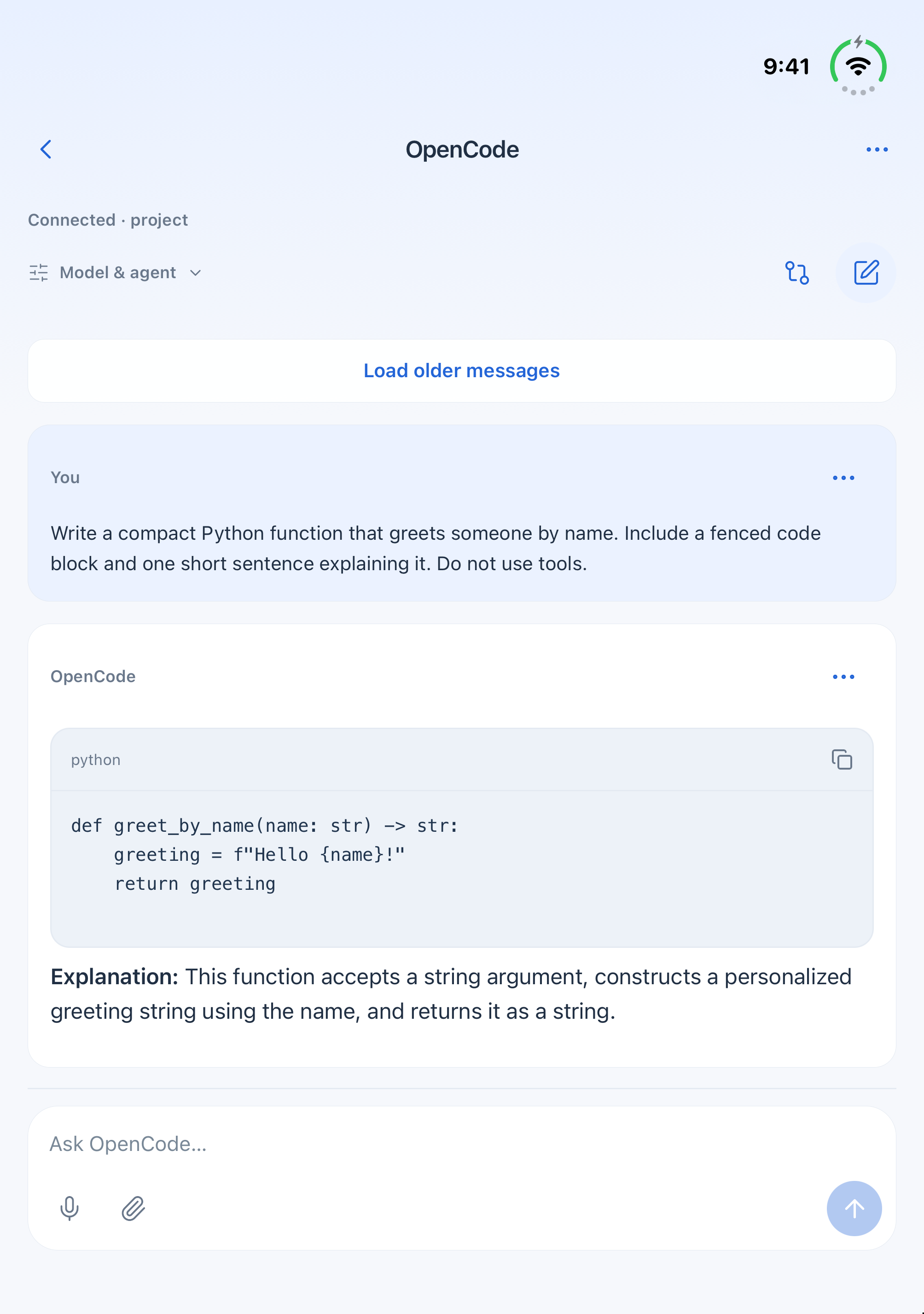
OneLLM on iPhone and iPad connects to OpenCode and DS Harness on your computer. The new Office phone connection is also being developed.
Keep the computer running, choose a trusted local network or Tailscale, and pair from the matching module.
Get a connection companion →Windows and Ubuntu connector previews are available. The Office desktop application is not distributed on this website.
Yes, with a compatible downloaded model. Model capability, speed and memory needs vary. Web tools and connected services may still need the internet.
Conversation history is saved on your Mac. If you choose online AI, the content needed for that task is sent to the model service. You control which files and services you connect.
Reports, plans, presentations, spreadsheets and Markdown documents. The examples above show prepared sample results. Review generated files and calculations before using them.
The Mac edition is being prepared for release. This website offers Windows and Ubuntu connection companions only, for OpenCode and DS Harness in the OneLLM mobile app.